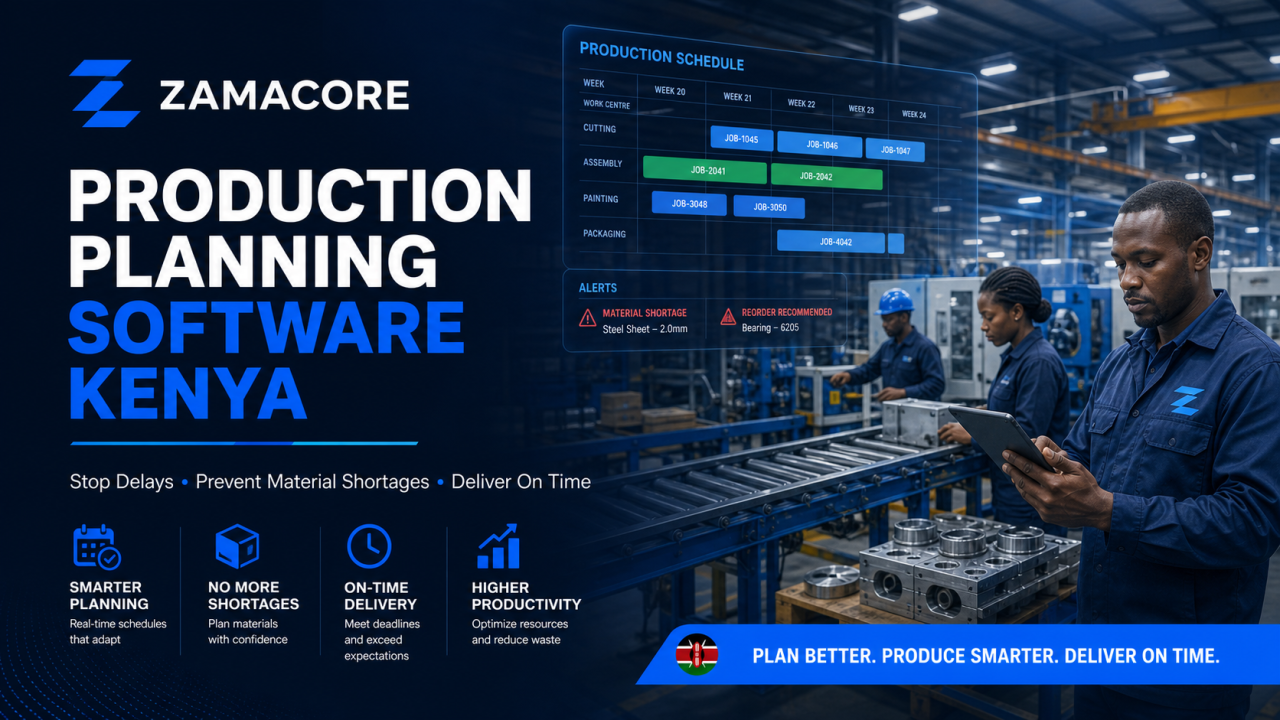
Production Planning Software Kenya is not merely an IT purchase. It is a response to a daily operating problem: sales promises a delivery date, stores cannot confirm material availability, production learns about priorities through calls, and management sees the delay after the customer complains. When records arrive late or disagree, managers cannot protect margin, serve customers confidently, or act before a small exception becomes an expensive loss.
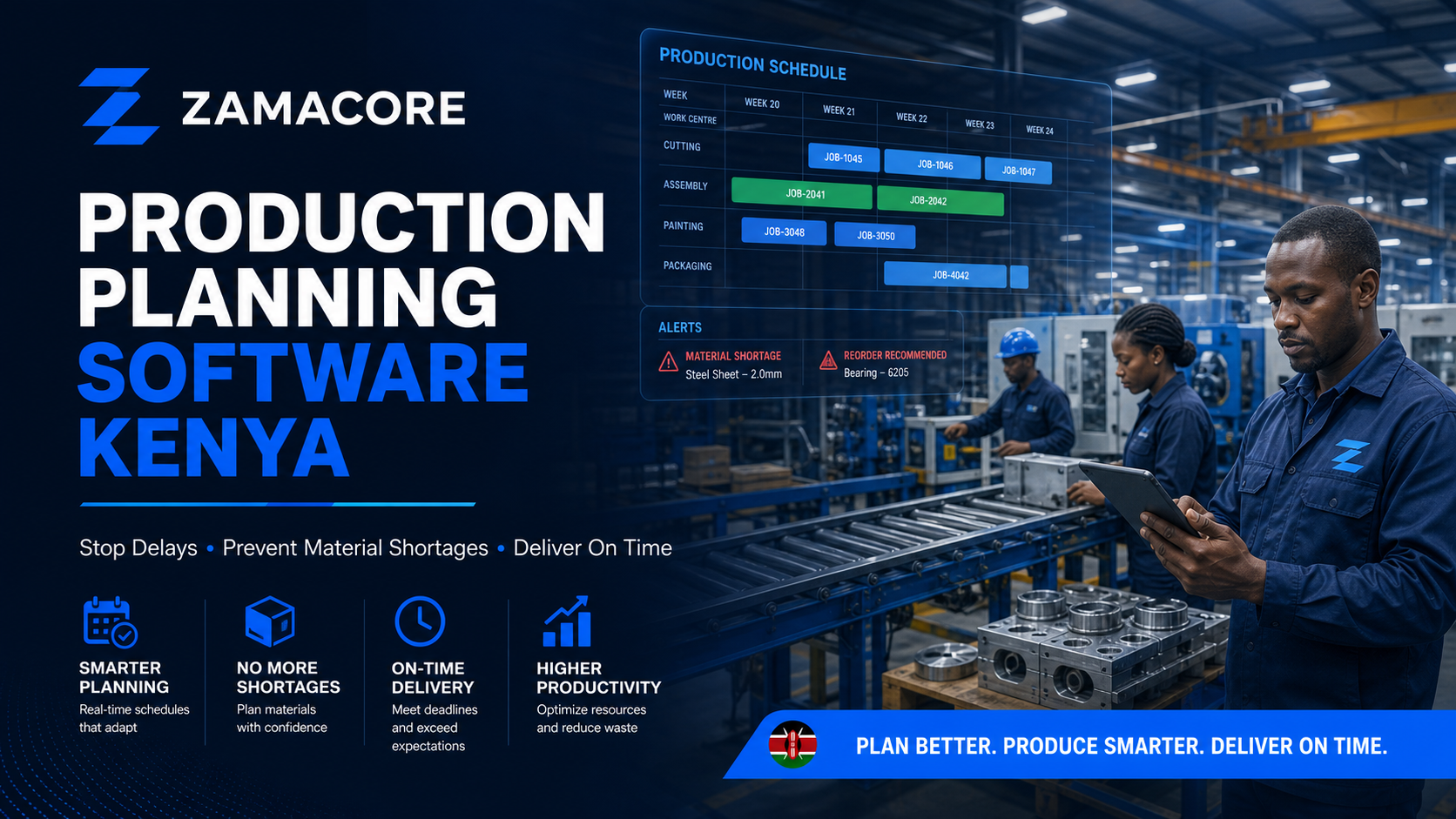
This guide explains what the system should control, which users must be involved, what buyers should verify before selecting a solution, and how to measure whether implementation actually improves the business.
The day-to-day problem this system must solve
Many factories plan with separate sales sheets, stock records, handwritten job cards, and verbal updates from the floor. A planner may know the finished-goods demand but not whether raw materials, machines, tooling, or labour are available together. Teams then expedite one order, interrupt another, and create avoidable setup time.
The visible symptom is late delivery. The underlying cost includes idle machines, emergency purchases, excess work in progress, overtime, wasted material, partial dispatches, and unreliable promised dates. Production planning software should connect demand to material and capacity decisions without pretending that every exception can be automated.
Warning signs that the current process is costing the company
- Sales confirms dates before production checks capacity.
- The same material appears available in one sheet and committed in another.
- Supervisors re-prioritise jobs through phone calls and messaging groups.
- Work-in-progress quantities cannot be reconciled to completed output and scrap.
- Purchasing receives urgent requests after a job is already due.
- Management learns about missed dates from customers rather than an exception report.
One warning sign alone does not justify replacing every tool. Several recurring signs usually indicate that the organisation needs one controlled workflow, consistent master data, role-based accountability, and reports generated from live transactions.
How the target workflow should operate
Capture demand and promise responsibly
Confirmed sales orders and forecasts enter one demand view. The system distinguishes requested dates from dates that production can realistically promise.
Check materials and capacity
The plan evaluates bills of materials, stock on hand, committed stock, expected receipts, machine or work-centre capacity, calendars, and changeover constraints.
Release controlled work orders
Approved work orders identify the product, quantity, routing, materials, due date, responsible team, and quality checkpoints.
Record floor progress and exceptions
Operators or supervisors record starts, output, scrap, downtime, and holds close to the point of work. Exceptions become visible before the due date.
Close, cost and learn
Completion updates finished goods, consumption, variance, and delivery readiness. Planners compare the plan with actual performance to improve future standards.
Essential capabilities to compare
- Sales-order and forecast demand planning
- Bills of materials and production routings
- Material requirements and shortage alerts
- Machine, work-centre, shift, and labour capacity
- Work-order release, status, and priority control
- Batch, serial, expiry, quality-hold, or traceability rules where relevant
- Downtime, scrap, rework, and yield capture
- Finished-goods receipt and dispatch readiness
- Planned-versus-actual material, time, and output reports
- Role-based approvals and a full audit trail
A long feature list is not the goal. Each capability should connect to a named user, a business rule, an exception, an approval owner, and a report. Buyers should ask suppliers to demonstrate a realistic scenario using representative data rather than relying on slides.
What to integrate—and what not to integrate first
Start with the records required to close the planning loop: sales orders, item and bill-of-material masters, purchasing, inventory, production completion, and dispatch. Accounting integration can receive controlled stock and cost postings. Machine or sensor integration is valuable only when reliable identifiers, ownership, and response processes already exist.
Integration must define which system owns each record, how identifiers are matched, what happens when a transaction fails, and who receives an alert. Re-entering data between systems hides errors; uncontrolled synchronization can spread them faster. Discovery should settle ownership and reconciliation rules before development begins.
Dashboards management can trust
Useful views include orders at risk, shortages by due date, load by work centre, released work not started, output against plan, downtime reasons, scrap and rework, work-in-progress age, and on-time completion. A red indicator without an owner and next action is decoration, not control.
A useful dashboard links every total to the underlying records and states when the data was last updated. Managers should be able to move from a summary to the transaction, document, location, user, or exception that produced it.
Security, permissions and audit evidence
The system should apply least-privilege access: users see only the locations, values, documents, and actions required for their roles. Sensitive actions should record who created, approved, changed, cancelled, or exported a record. High-risk changes may require a second approval. Backups, recovery tests, secure connections, session controls, and staff exit procedures belong in the implementation scope.
Kenyan privacy, tax, employment, health, construction, procurement, or sector-specific obligations vary by organisation. The system should support the policies confirmed by the client’s qualified advisers; software should not be presented as automatic legal compliance.
Implementation plan that protects daily operations
- Baseline the problem: measure delays, errors, losses, rework, and reporting time before changing the process.
- Map the real workflow: observe users, documents, approvals, exceptions, and hand-offs rather than documenting the ideal process only.
- Define the first release: select one complete, high-value workflow and postpone attractive but non-essential features.
- Clean master data: agree item, customer, supplier, project, vehicle, employee, or location identifiers and ownership.
- Prototype with users: test screens and permissions early with the people who will perform the daily work.
- Pilot: launch in one site, team, project, route, or product line and compare results with the baseline.
- Expand deliberately: train users, monitor adoption, resolve exceptions, then roll out to the next operating unit.
How to measure return on investment
- On-time production completion and on-time-in-full delivery
- Schedule adherence by line or work centre
- Material shortages affecting released work
- Work-in-progress days and queue time
- Scrap, rework, yield, and unplanned downtime
- Emergency purchases and overtime caused by poor planning
Record the baseline and the post-launch result for the same period and operating unit. Time saved matters, but buyers should also measure leakage prevented, working capital released, billing accelerated, downtime avoided, and management decisions made earlier.
Questions to ask a software development partner
- Can the team model our real bill-of-material, routing, subcontracting, and quality rules?
- How does the system reserve material and handle substitutions or partial availability?
- Can planners see capacity constraints before confirming a date?
- How will operators record progress without adding excessive administration?
- What happens when stock, machine availability, or priorities change during a shift?
- How are standards, permissions, changes, and overrides audited?
A credible proposal explains scope, assumptions, exclusions, data responsibilities, integrations, acceptance tests, training, hosting, support, source-code or licence terms, and the process for future changes. An unexplained total price makes bids difficult to compare and creates disputes later.
Why companies choose a custom or integrated business system
Off-the-shelf products are often the right choice when the process is standard and the organisation can adopt the product’s workflow. A custom or integrated system becomes more relevant when approvals, locations, pricing, operational evidence, customer journeys, or integrations create a genuine competitive or control requirement. The decision should follow workflow discovery, not preference for a particular technology.
Plan the solution with ZamaCore
ZamaCore designs business systems, portals, ERP modules, dashboards, workflow automation, and integrations for organisations that need stronger operational control. We begin with the business problem, map the people and data involved, and define a practical first release.
Explore our custom software development and ERP solutions, or request a workflow assessment. Bring a sample report, spreadsheet, form, or approval chain and explain where work currently delays, leaks money, or loses visibility.
Frequently asked questions
Can ZamaCore provide an exact cost immediately?
A responsible range requires the users, workflow, locations, data, integrations, security needs, and support expectations. Discovery produces a scope that suppliers and decision-makers can compare.
Should every department move at once?
Usually not. A controlled pilot reduces disruption, exposes data and training issues, and gives management evidence before a wider rollout.
Can the new system connect to existing accounting or ERP software?
Often yes, but only after confirming supported APIs or exchange methods, permissions, identifiers, data ownership, error handling, and reconciliation.
What causes these projects to fail?
Common causes include unclear ownership, automating a broken process, poor data, insufficient user involvement, uncontrolled scope, weak testing, and no post-launch support plan.
One response