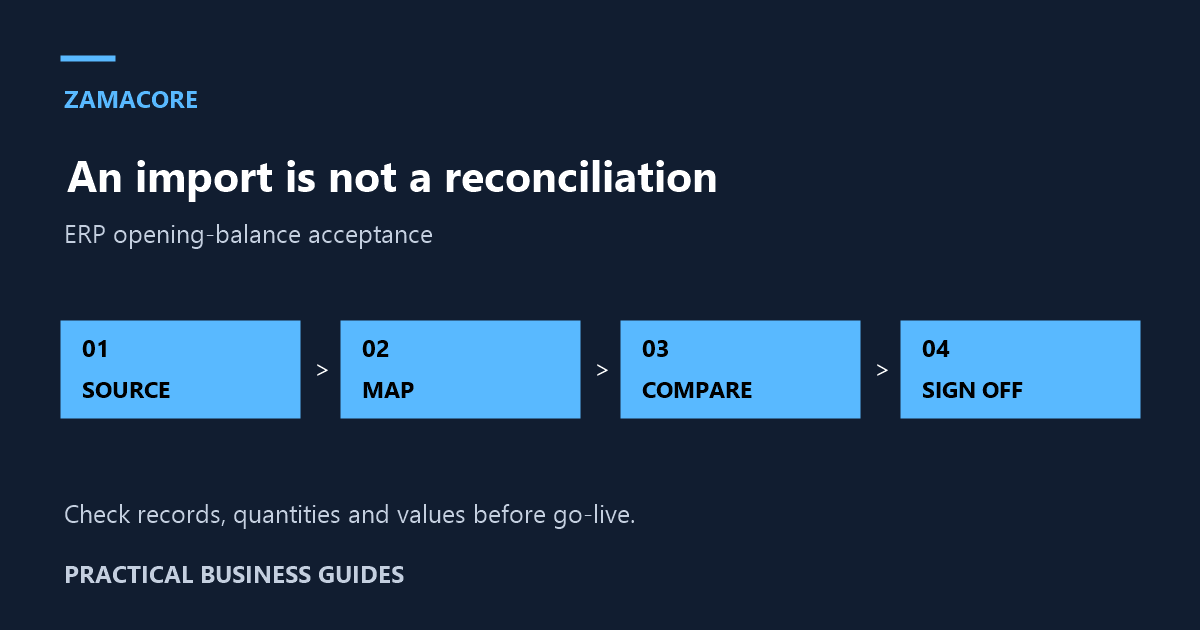
An ERP can launch with every user trained and still begin with the wrong balances. Customer debts may be imported twice, a supplier credit may disappear, or stock quantities may agree while stock values do not. A successful import message only confirms that a file was accepted; it does not prove that the business records reconcile.
This ERP opening-balance reconciliation checklist helps Kenyan operations and finance teams define migration acceptance tests. Use it alongside a broader ERP cutover rehearsal. The focus here is the evidence needed to show that the opening position in the new system matches the approved source records.
Agree on one cut-off and one accountable source
Name the source system, extraction time and business cut-off date for each dataset. If stock is counted at one time while invoices continue to post, identify the movements needed to bridge that interval. Keep the original export unchanged and create a separate working copy for cleanup. Record who approved each correction.
Every balance needs a business owner. Finance should approve account mappings and financial totals; stock controllers should approve quantities and locations; customer-service or credit teams should review disputed customer items. The implementation team can run the import, but it should not silently decide which conflicting business record is correct.
Define what “matching” means before importing
| Dataset | Compare | Common exception |
|---|---|---|
| Customers | Open items, total balances and age bands | Unallocated receipt or duplicate customer |
| Suppliers | Unpaid documents and credit balances | Credit note missing from the export |
| Inventory | Quantity and value by item and location | Different unit of measure |
| General ledger | Approved account-level opening totals | Incorrect account mapping |
| Cash and bank | Approved balances and outstanding items | Transaction posted on different dates |
Ask your finance lead to set the relevant accounting treatment and sign-off rules. The software team should implement those decisions and produce comparison reports. A system migration is not a reason to erase unresolved differences or move them into an unexplained balancing entry.
Reconcile detail as well as totals
Two imports can have the same total and different errors. One customer’s balance might be overstated while another is understated by the same amount. Compare counts, unique identifiers and selected line items as well as grand totals. Review unusually large balances, negative values and records without a stable source reference.
For customer and supplier accounts, decide whether to migrate individual outstanding documents or summary balances. Document what that decision means for statements, ageing and later allocations. Do not import both approaches as live balances unless the implementation design explicitly prevents double counting.
Check units and locations before valuing stock
A product sold as individual units may be purchased in cartons. If the old export records cartons and the new system expects pieces, the item count can be misleading even when product codes look correct. Make unit conversions explicit and review them with someone who handles the goods.
Separate stock physically held at a shop from stock in transit, goods awaiting inspection and quantities assigned to another location. Agree how each category appears at cut-off. Test a sample item through a subsequent sale or transfer to confirm that its opening quantity behaves correctly after migration, not just on the first report.
Create a difference register instead of editing in the dark
Each discrepancy should have a reference, source amount or quantity, target amount or quantity, explanation, owner and resolution status. Attach the evidence for a correction. Keep formatting problems separate from business disagreements: a missing leading zero is a mapping issue, while a disputed supplier balance requires business review.
When an import is repeated, identify the batch being replaced. Ask how the system prevents a second upload from creating duplicate balances. Rehearse a failed batch and recovery with sample records before the final migration. A controlled retry is more useful than a promise that uploads always succeed.
Run acceptance tests after the import
- Compare source and target totals for every approved dataset.
- Trace sample records back to their original identifiers.
- Review exceptions by owner and confirm the approved resolution.
- Generate a customer statement and allocate a test receipt.
- Review a supplier balance and a credit allocation in the test environment.
- Process a sample stock movement and compare the resulting reports.
- Record the final batch, approval date and people responsible for sign-off.
Keep test activity separate from production transactions. If a production correction is required, use the agreed controlled process and retain its history. Avoid changing the source export after sign-off without generating a new version and explaining what changed.
Give the ERP implementation team a complete brief
Before commissioning migration work, list your current systems, record counts, available exports, unresolved differences and reporting needs. Identify who can answer questions about each dataset. Include the reconciliation reports and acceptance evidence in the scope, rather than treating migration as a simple spreadsheet upload.
Discuss this brief with ZamaCore’s ERP implementation team. Ask for a demonstration using a representative sample and a written separation between data cleanup, mapping, import, reconciliation and post-launch support.
The go-live decision should rest on explainable records: approved source data, repeatable comparisons and resolved exceptions. That is what turns a technically completed import into an opening position the business can trust.