Choosing a school management system in Kenya is one of the most consequential decisions a school makes. It touches admissions, fees, attendance, exams, communication with parents, and the reports you submit. Done well, it saves staff weeks of work each term; done badly, it becomes an expensive spreadsheet with extra steps.
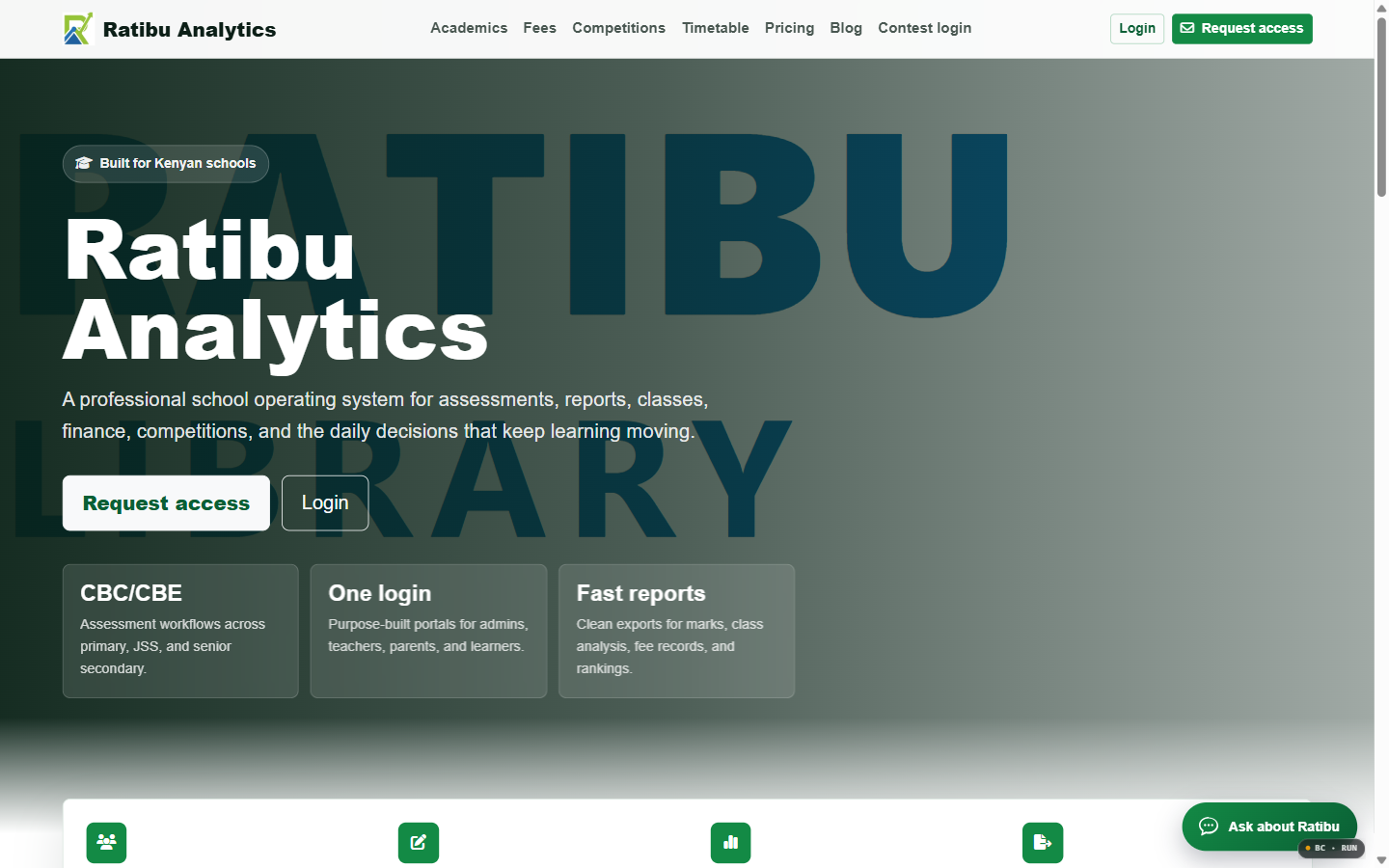
This guide explains what a school management system should do, how it handles Kenyan CBC and CBE pathways, how to compare options, and how to roll one out without disrupting a term. Start with Zamacore’s school management software solution and the Ratibu product page.
What a school management system should manage
- Admissions and student records: Applications, admissions, streams, guardians, and history.
- Attendance: Daily or lesson registers with trends and alerts.
- Fees and billing: Invoices, payments, arrears, bursaries, and statements.
- Assessment and reporting: Marks, CBC and CBE workflows, and report cards.
- Staff and timetable: Teachers, subjects, duties, lessons, and schedules.
- Communication: SMS or app messages to guardians and staff.
- Analytics: Enrolment, performance, finance, and attendance trends.
Why Kenyan schools need more than a spreadsheet
A school’s information is highly connected: a fee balance depends on payments and credits; a report depends on assessment records; a parent query depends on both. Spreadsheets handle one view well and the connections badly. When fees, marks, and attendance sit in different files, reconciliation becomes manual and errors spread.
A shared system makes each record authoritative. The bursar, the class teacher, the deputy, and the head see the same truth, which reduces disputes and speeds decisions.
Fees, arrears, and M-Pesa collection
Fee collection is a school’s cash engine. The system should issue clear invoices, record M-Pesa and bank payments, allocate them to the correct student, and show arrears and statements. Reconciliation should be fast enough for the bursar to follow up daily. Where possible, parents should receive a prompt receipt and a clear balance.
CBC, CBE, and Kenyan reporting
Kenyan schools increasingly follow competency-based pathways with different assessments and reporting. Compare how flexibly each system supports your exact report formats and weightings, and whether templates can be adjusted as policy evolves. A system that forces one rigid template will create work every reporting cycle.
Communication with guardians
Guardians want timely updates on attendance, fees, and performance. The platform should send targeted messages to the right audience, log what was sent, and avoid exposing private data. Clear communication reduces the number of calls to the office and improves trust.
How to compare school management systems
- Fit with your process: Does it match how your school actually runs, or force a rewrite?
- Kenyan reporting: Can it produce the reports and formats you submit?
- Payments: Does it handle M-Pesa and bank reconciliation cleanly?
- Usability: Can teachers and office staff use it with limited training?
- Support and hosting: Who owns backups, updates, and support, and at what cost?
- Growth: Can it handle more students, streams, and even multiple campuses?
Data migration and rollout
Existing student, guardian, fee, and historical records must be cleaned, mapped, and imported before launch. Roll out in phases — perhaps one section or one campus first — and run the old and new records in parallel for a short period. Train staff on real tasks, not slides, and agree who owns data quality.
Costs and return on investment
Compare the full cost: licences, setup, data migration, training, SMS credits, hardware, and support. Then measure what improves: fee collection speed, reporting time, parent queries handled, and staff hours freed. For most schools, faster fee follow-up alone justifies the investment.
Frequently asked questions
Can a school management system work with limited internet?
Look for systems that allow attendance and key records to be captured offline and synchronised later, so a weak connection does not stop the school day.
Will it handle multiple campuses?
Good systems can separate campuses or streams while giving management a consolidated view. Confirm this before you commit.
How long does implementation take?
A focused rollout can go live within a term, depending on data cleanup, training, and the modules you start with.
Do we need to abandon our current fee records?
No. Historical balances and student records are usually imported, cleaned, and validated during migration.
Next step: review the school management software solution, inspect Ratibu, and contact Zamacore to scope a rollout for your school.